
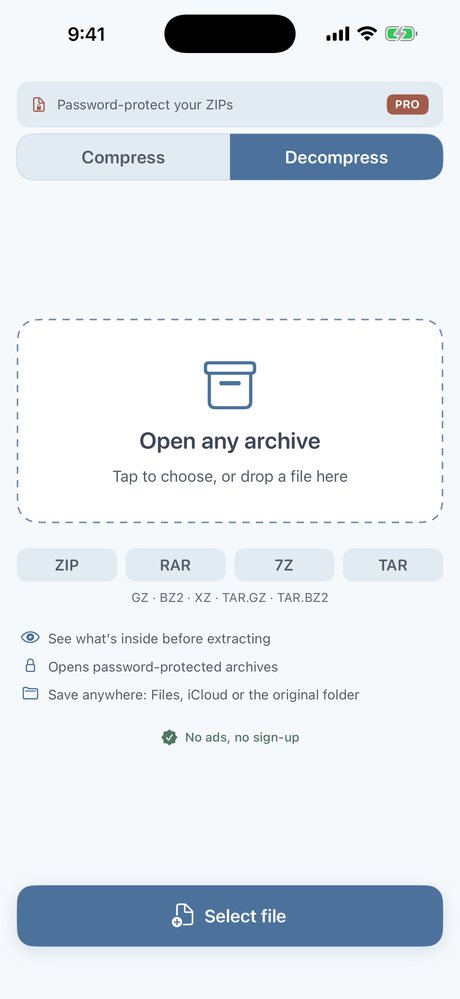
Open archives Files cannot
Apple's Files app skips RAR. Drop a ZIP, RAR, 7z or TAR into the app and unpack on the device.
ZIP & RAR Extractor
Apple's Files app does not extract RAR. This app does: ZIP, RAR (incl. RAR5), 7z, TAR and more, fully on your device.
Formats
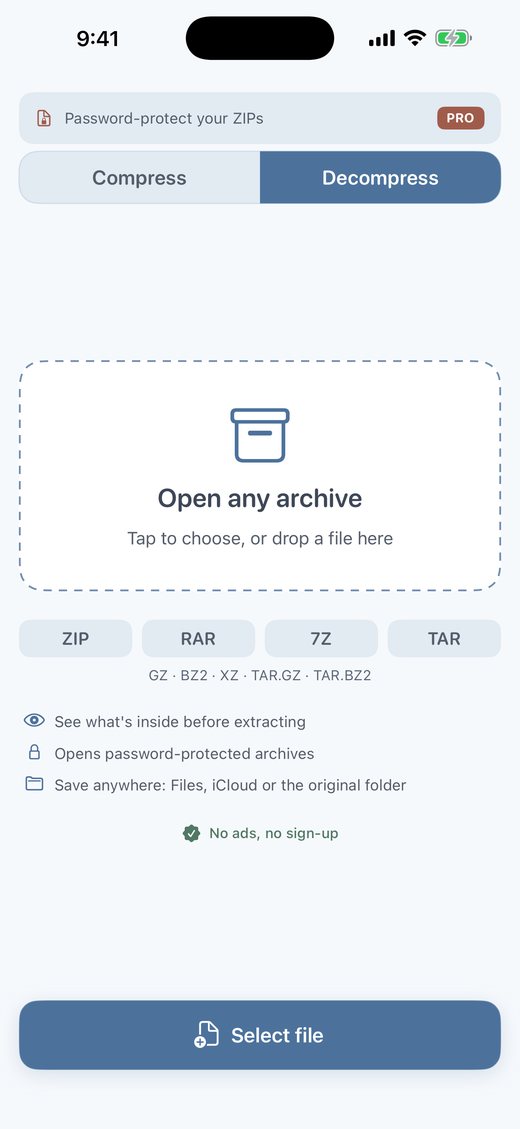
Apple's Files app does not extract RAR archives on iPhone or iPad. ZIP & RAR Extractor is an on-device utility that opens ZIP, RAR (including RAR5), 7z, TAR and related formats locally, without uploading your files.
Apple's Files app skips RAR. Drop a ZIP, RAR, 7z or TAR into the app and unpack on the device.
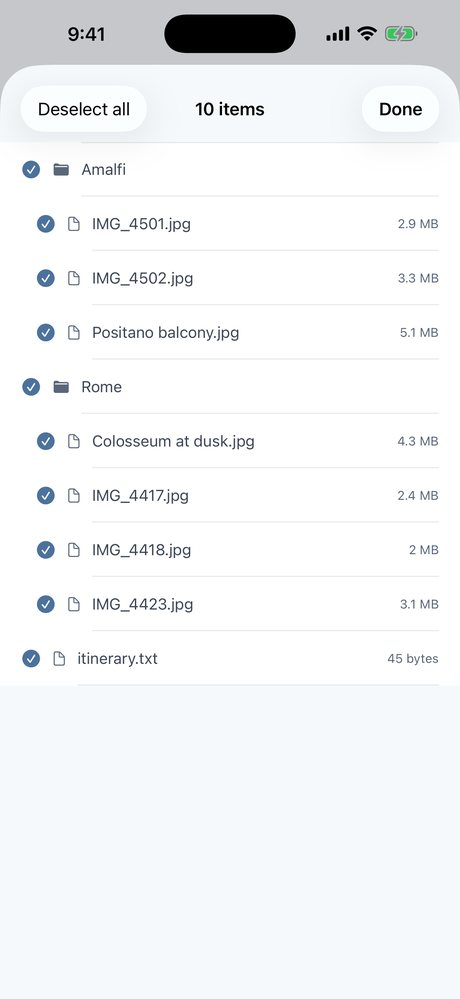
Browse every file inside the archive first. Pull out only what you need and leave the rest.
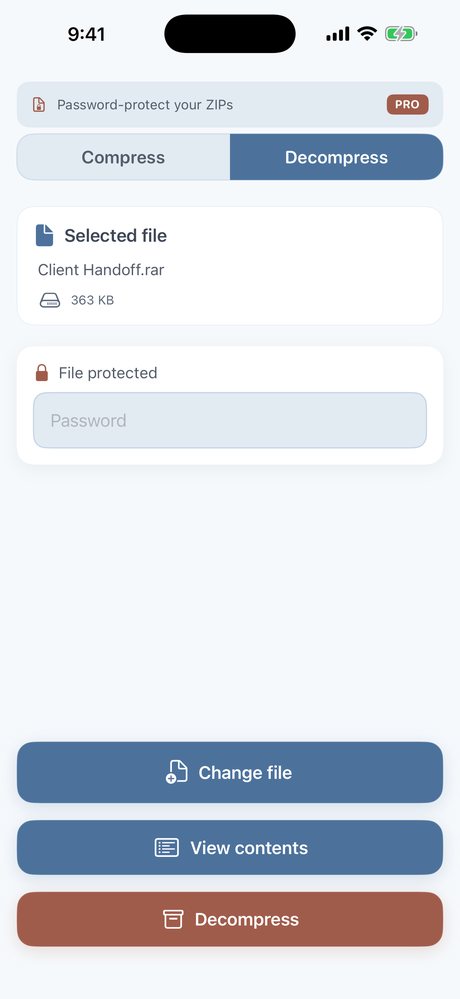
Open encrypted ZIP, RAR and 7z. Passwords stay on your device; we never see them.
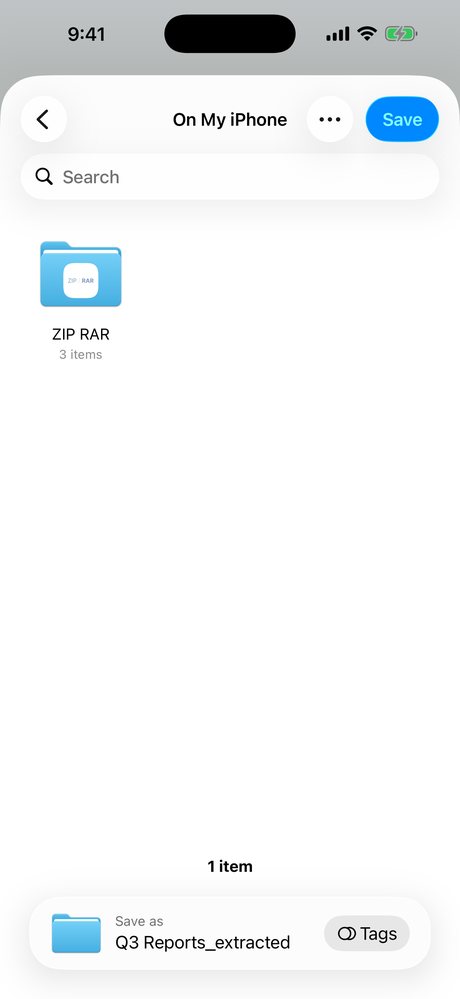
Move extracted files to Files, iCloud Drive or share them into any app.
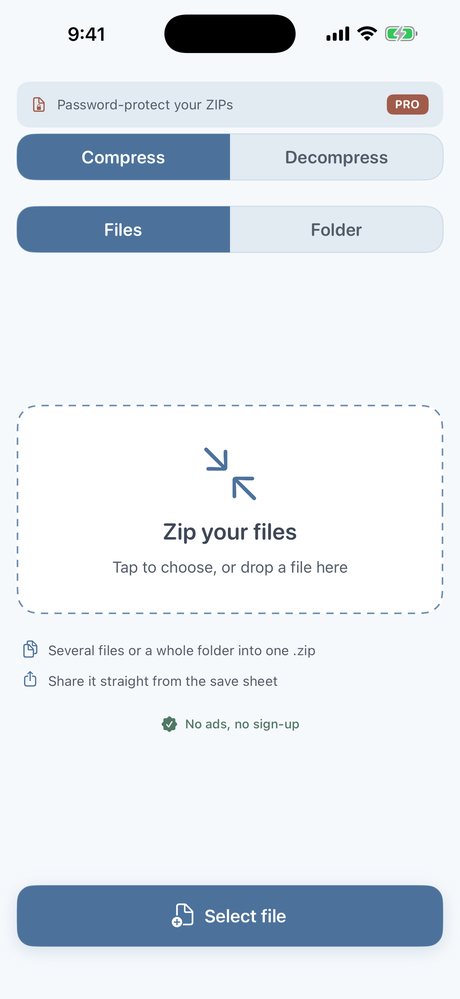
Create ZIP archives on the go. Extracting stays free.
One-time purchase adds AES password protection when you create a ZIP. Not a subscription.
No. Apple's Files app does not extract RAR archives on iPhone or iPad. You need an app like ZIP & RAR Extractor.
ZIP, RAR (including RAR5), 7z, TAR, GZ, BZ2, XZ and common combined formats such as TAR.GZ.
No. Extraction runs entirely on your device. The app has no server and does not upload your archives.
Yes. Extracting all supported formats is free. An optional one-time Pro purchase unlocks creating password-protected ZIP archives. It is not a subscription.
We cannot recover, reset or bypass archive passwords. Encryption is part of the file, not the app.
No ads. No tracking. Extracting is free. 1.6 MB.
Download on the App Store